Build A Google-Ready Website for Your Local Business Using AI (Template & AI Prompts Included)

Learn the exact website structure I use to build and rank contractor and home service websites on Google. Follow the step-by-step process and use the included template and AI prompts to build your own.

Built-In SEO Framework

Step-By-Step System

Repeatable Website Builds

Trying To Build A Website For Your Local Business But Not Sure Where To Start?

Follow a Simple System to Build a Google-Ready Website for Your Local Business

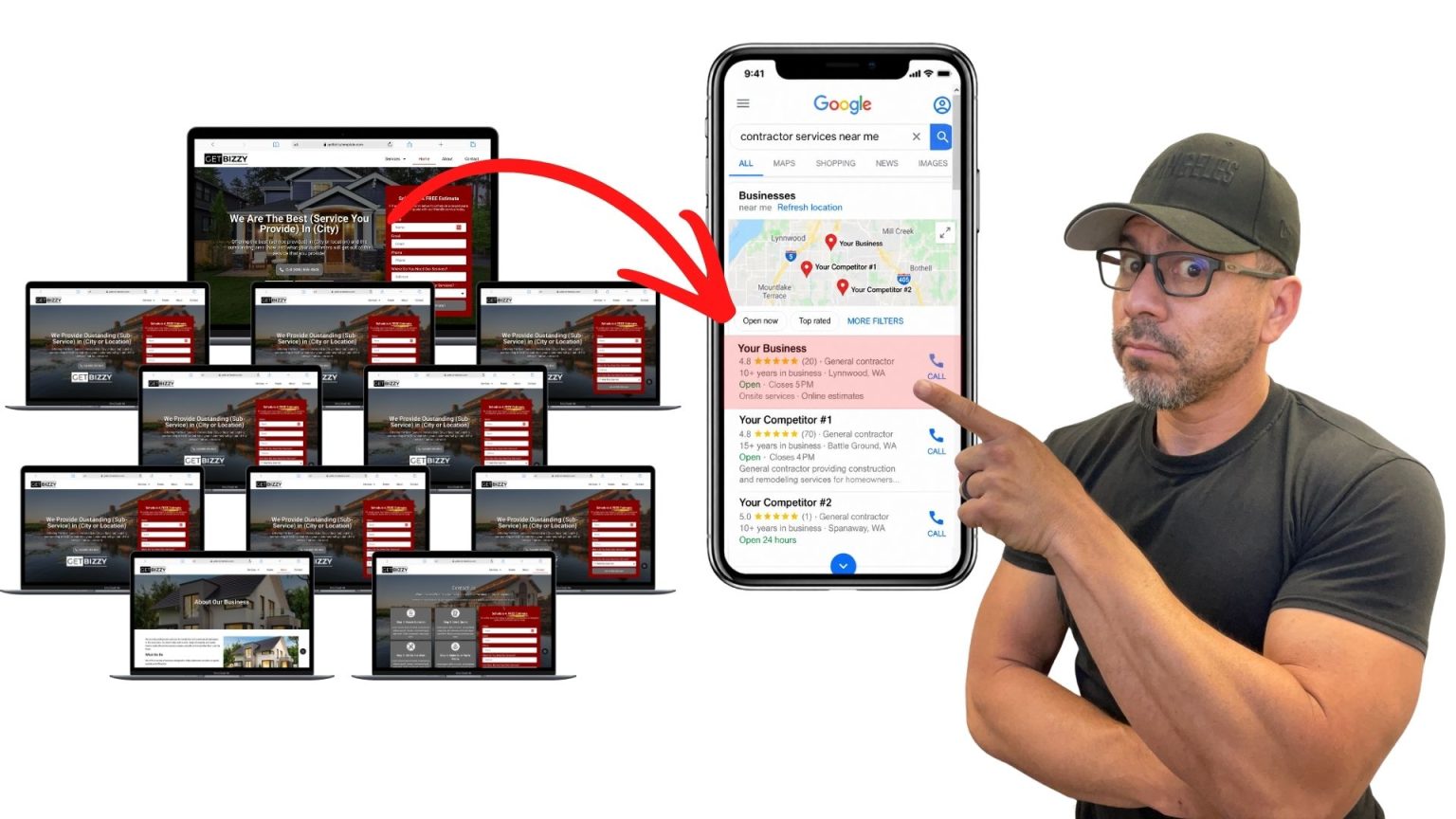
Many contractors and small business owners want to build their own website but don’t know where to start. This template walks you through the exact page structure so you can build a professional site step by step.

Ridiculously Simple Website Setup

Most local business owners think building a website is complicated, but it doesn’t have to be. This template gives you the exact page structure already laid out so you can focus on filling in the details. Just import the template, follow the layout, and your website begins taking shape right away. The step-by-step structure keeps things simple and removes the guesswork.

Complete Website Structure for Local Business

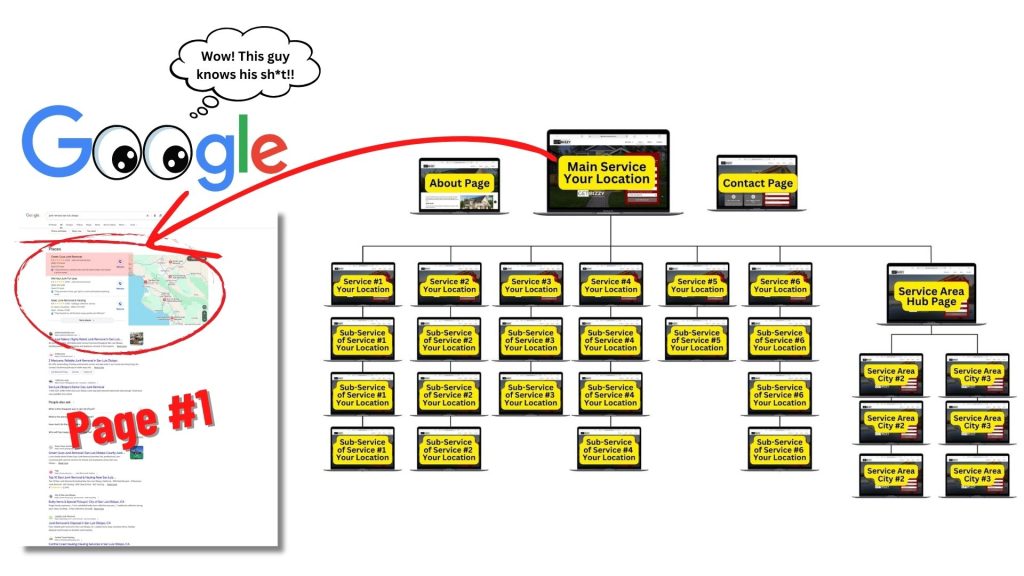
Many websites fail because they are missing important pages or the structure is confusing. This template includes everything a local business website needs, including service pages, service area pages, About and Contact pages, and clear hub pages. The result is a website that looks professional, organized, and easy for visitors to understand.

SEO-Friendly Structure Built In From The Start

Search engines need to clearly understand what your business does and where you provide your services. This template is designed with proper headings, page sections, and structure already in place. As you follow the layout and fill in the content using the included AI prompts, your website naturally follows the structure that helps Google understand and rank local service businesses.

A Proven Website Structure for Local Businesses Using WordPress or WIX

Most local business websites struggle because they are built without clear structure. This system shows you how to build a Google-ready website using either WordPress or Wix. With the included template and AI prompts, you can create a professional site that clearly explains your services and helps customers find you online.

A Website Template That Does Most of the Hard Work for You

Building a local business website doesn’t have to feel overwhelming. This template gives you the full website structure already built, eliminating most of the work normally required to set up a site. Simply follow the layout, add your information, and your website starts coming together quickly without guessing what pages to create or how everything should connect.

Every Page a Local Business Website Actually Needs

Many websites fail because they are missing important pages or the structure is unclear. This system includes the key pages every local business website should have, including the homepage, service pages, service area pages, About page, and Contact page. By following the layout, you end up with a website that looks professional, organized, and easy for customers to understand.

Write Your Website Content Easily Using Simple AI Prompts

Writing website content is where most people get stuck. This template includes clear AI prompts that show you exactly what to write for each section of your website. Just follow the prompts, add your services and location, and your pages start filling in quickly without staring at a blank screen.

Learn Proper Website SEO Structure as You Build Your Site

SEO can feel complicated when you don’t know what matters. This template shows you the correct page structure as you build your website. Headings, sections, and layout are already organized so you can learn the basics of on-page SEO just by following the template.

A Clear Website Outline That Helps Google Understand Your Business

Search engines need a clear structure to understand what your website is about. This template gives you a simple outline that shows exactly how your pages should be organized. Instead of guessing what to build, you follow the structure and create a website that is easier for Google to crawl and understand.

Learn How to Link Your Website Pages Together the Right Way

Many local business websites fail because their pages are not connected properly. This template shows you how to link your homepage, service pages, and location pages together in a simple and logical way. The structure helps both visitors and search engines move through your website easily.

Stop Overthinking Website Builders and Follow a System That Actually Works

Contractors and local business owners are constantly told to use one platform over another. WordPress, Wix, Squarespace, GoDaddy builders, and dozens of AI tools all promise to build the perfect website. The truth is the platform matters far less than the structure of the website itself.

This system focuses on the part that actually makes a difference, building a clear website structure that Google can understand. Instead of guessing what pages to create or how to organize them, you simply follow the template and build your website step by step.

What to Expect When You Build Your Own Local Business Website

Getting your website set up should feel clear and doable, not confusing and overwhelming. Inside the group, everything is laid out step by step so you can build your website the right way, learn how it all works, and move forward with confidence.

Step 1: Join the Group and Get Access to the Full Website System

Start by choosing any major hosting provider and installing a fresh WordPress website. It does not matter where you host, as long as WordPress is installed and ready. This gives you a clean foundation so everything imports smoothly from the start.

Step 2: Choose WordPress or Wix and Start Building From Scratch

Inside the group, you’ll have the option to build your site on either WordPress or Wix. No matter which one you choose, I walk you through the process step by step, starting from the very beginning. Whether you already have a domain or are starting with nothing at all, you’ll learn how to get your website set up the right way from scratch.

Step 3: Use the Templates and AI Prompts to Build Out Your Website

Once your website is set up, you’ll use the included templates and files to start building your pages. You’ll have access to homepage layouts, service pages, service area pages, About pages, Contact pages, and more. Then I’ll show you how to use my AI prompts to write every section of content, structure each page properly, optimize your images, and connect your pages together the right way.

Step 4: Learn the SEO Side and Connect Everything to Google

Once your website is built, you’ll also get bonus SEO training that shows you what to do next. I’ll walk you through how to properly fill out and optimize your Google Business Profile, connect it to your website, and strengthen your online presence. You’ll also learn about citations, backlinks, and other steps that help build trust in Google’s eyes and improve your chances of getting found.

Check Out Great Reviews On Our

Website Designs And Website Design Training

Curious What the Template Actually Looks Like?

Download the free SEO structure slides below and take a look for yourself. You’ll see exactly how the pages are laid out and how easy this system is to follow.

Your name and email could not be saved. Please try again.
Got Your Information!

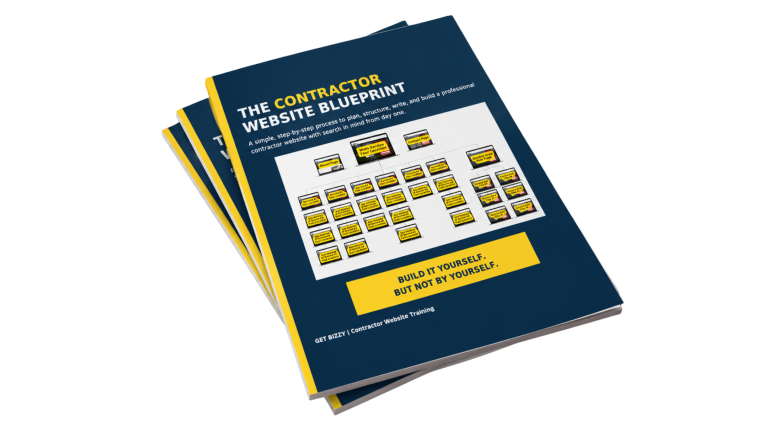
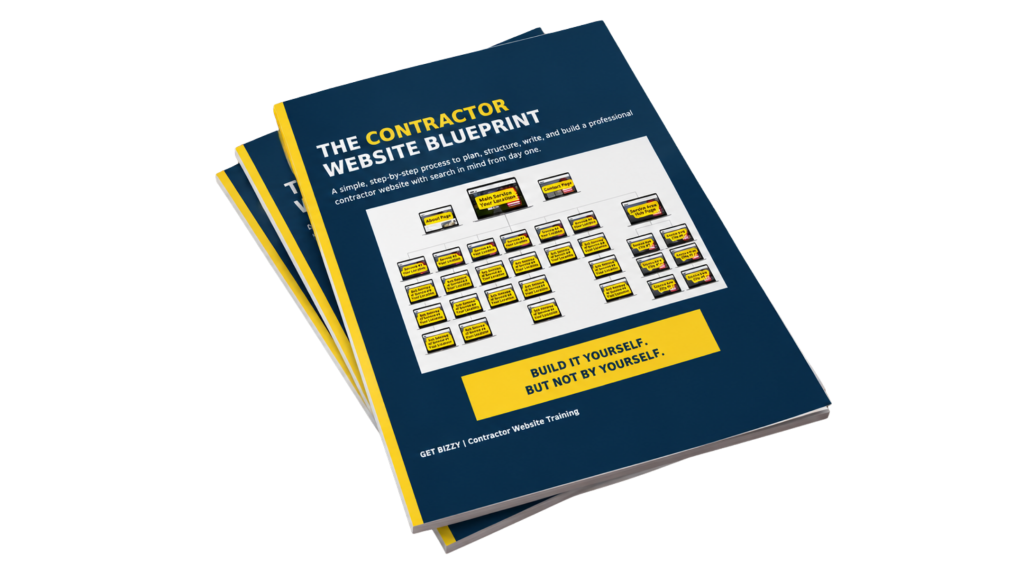
Download the Free SEO Website Structure PDF

Print it out, study it, and see exactly how a Google-ready local business website is organized.

Start Building Your Google-Ready Website Today

If you’re tired of guessing how websites are supposed to be built, this system gives you the structure, templates, and AI prompts to finally do it the right way. Join the group, follow the steps, and start building a website that clearly shows Google what your business does and where you provide your services.